What Knowledge Can You Gain From This Educational Course?
-
Boost productivity with Apple
-
Efficient office setup on Mac and iPad
-
Apple tools for professionals
-
Handoff and Continuity
-
Shortcuts automation
-
Task management Apple apps
-
Apple workflow automation for office
-
Advanced Apple productivity tips
-
iCloud synchronization
-
Universal Control
-
File and folder management
Mastering Apple for Office Efficiency
Created by a leading organization specializing in productivity and digital workflow optimization, Mastering Apple for Office Efficiency is designed for professionals, teams, and individuals who want to unlock the full potential of the Apple ecosystem for office work. This course teaches practical, real-world techniques to streamline tasks, automate repetitive processes, and optimize workflows across Mac, iPhone, and iPad.

Whether you’re managing projects, handling documents, or coordinating across devices, this program equips you with the skills to work smarter, faster, and more efficiently in any professional environment.
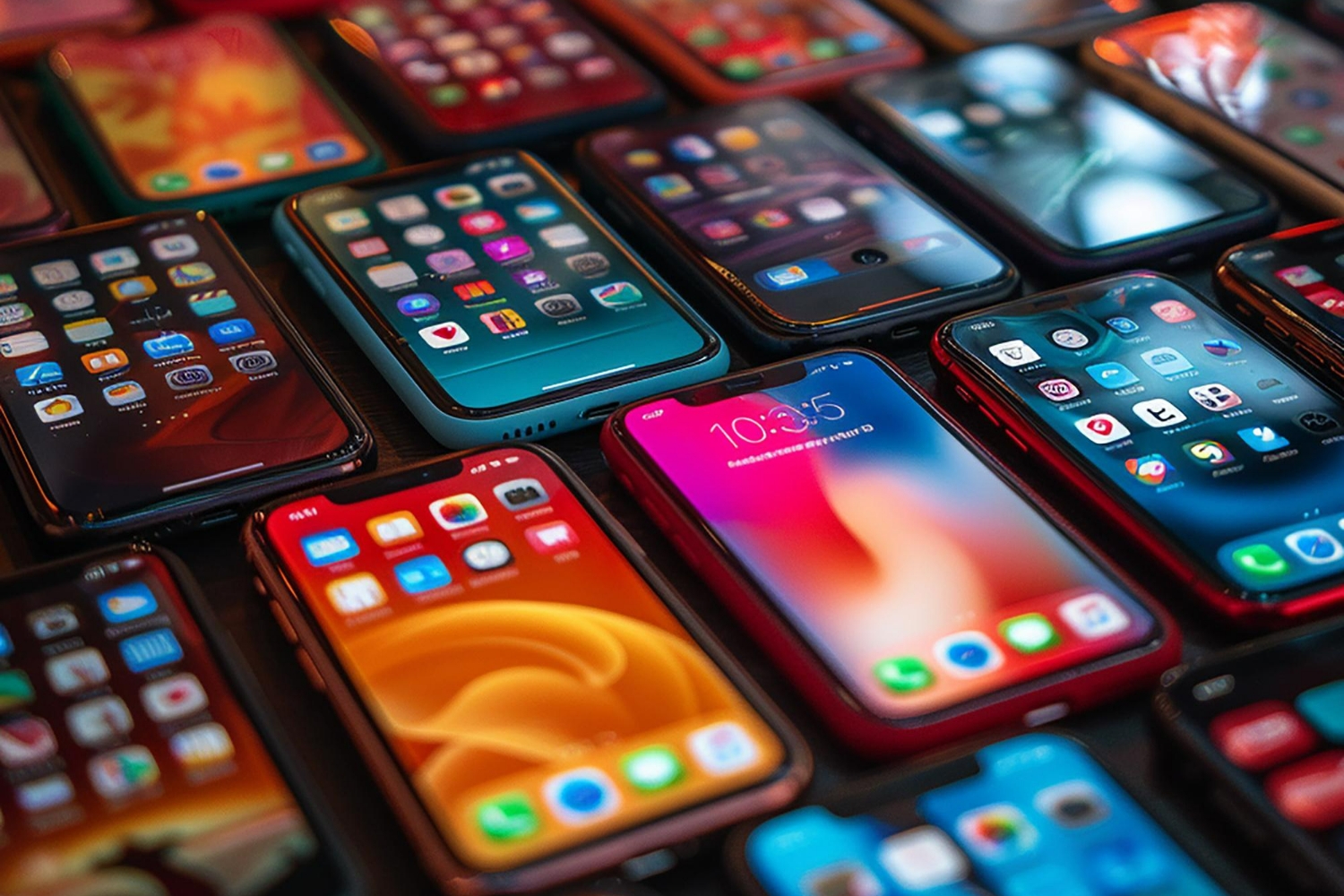
Why This Course Exists
• To simplify office workflows: Modern work is often spread across multiple Apple devices; this course shows how to unify them seamlessly.
• To save time and reduce repetitive tasks: Learn automation and system-level strategies to make your workday more efficient.
• To organize digital chaos: Gain a structured approach to files, emails, calendars, tasks, and apps.
• To leverage Apple’s full capabilities: Many professionals underutilize the ecosystem; this course reveals advanced features and techniques.
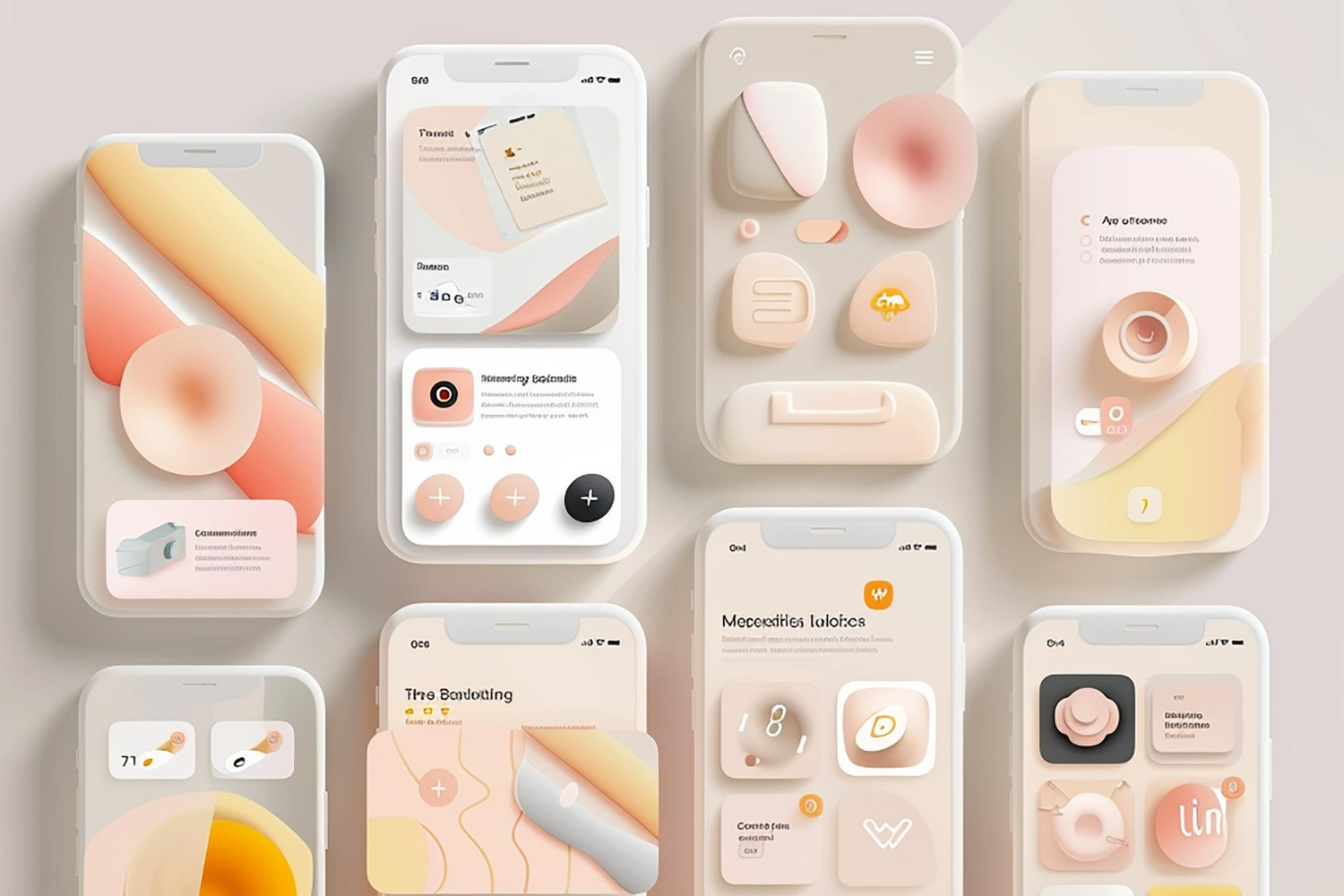
Why You Should Buy This Course
• Practical and actionable: Every lesson is designed to be applied immediately in your office workflow.
• Expert guidance: Learn from productivity specialists who demonstrate professional-grade techniques.
• Cross-device mastery: Understand how Mac, iPhone, and iPad can work together for maximum efficiency.
• Time and energy savings: Automation, organization, and optimized workflows save hours each week.
• Long-term value: Skills acquired will continue to enhance professional productivity for years.
What This Course Will Teach You
• Advanced Apple Shortcuts and automation: Build personalized automations for recurring office tasks.
• Cross-device workflow optimization: Seamlessly move tasks and data between Mac, iPhone, and iPad.
• Digital organization techniques: Manage emails, files, notes, and calendars efficiently.
• Office productivity tools mastery: Maximize native Apple apps and integrate with essential third-party tools.
• System design for professional workflows: Create a repeatable, sustainable, and efficient office environment.
• Real-world projects and application: Apply learned techniques in practical scenarios to transform daily office operations.

No Discussion Found
0.0
0 Reviews
Information about Organization
AppleCare Product Development Specialist
 0.0 Rating
 0 Students
  Level 1 Educator
  6 Courses
Most Popular and Trending Courses

Direct Response Marketing - The Art Of I...
ABCPlatform | Expert in Marketing Process

Next-Level Habits For Life Upgrade - The...
ABCPlatform | Expert in Teaching & Learning

Charisma In Action - How To Be Heard And...
ABCPlatform | Expert in Teaching & Learning

Mindful Families Academy Presents - The...
ABCPlatform | Expert in Personal Development

Powerful Business Affirmations - Goals I...
ABCPlatform | Expert in Business Process

Escape The Paycheck Trap - Financial Con...
ABCPlatform | Expert in Finance & Accounting

The Charismatic Communicator - Talk To I...
ABCPlatform | Expert in Teaching & Learning

Frugal Lifestyle – Budget Like A Boss
ABCPlatform | Expert in Finance & Accounting

Belief Reset Lab - From Doubt To Power
ABCPlatform | Expert in Teaching & Learning

$139.99
-
 Number of classes 6
 -
 Course Duration 1 Week & 3 Days
 -
 Learning Model Synchronous
 -
 Meeting Types Online
 -
 Course Level Professional
 -
 Number of Students Min: 1 / Max: 8
 -
 Student Enrolled 0
 -
 Language English
December 21, 2026 / 12:00
Gift this course
Send this course as a gift to your friends
This Course Includes
-
 4 Video Lectures
 -
 3 Audio Lectures
 -
 2 Quizzes
 -
 3 Assignments
 -
 Full Lifetime Access
 -
 Certificate included