Apple workflow
iPhone automation
Apple ecosystem
Productivity tools
Automation techniques
MacOS productivity
iPad workflow
Apple Shortcuts
Cross-device syncing
Apple integration
Advanced Apple Workflow
Created by a leading organization specializing in digital productivity, Advanced Apple Workflow is designed for professionals, creators, and teams who want to unlock the full potential of the Apple ecosystem. This course reveals how to transform everyday tasks into streamlined, automated, and beautifully efficient workflows across macOS, iPhone, and iPad.
Whether you’re seeking to save time, reduce repetitive work, or elevate your digital organization, this program provides the practical tools and expert guidance needed to master Apple’s most powerful features.

Why This Course Exists
• To simplify complexity: Modern work spans multiple devices—this course shows how to make them work in harmony.
• To increase productivity: Learn how to replace hours of manual work with automated processes.
• To eliminate digital chaos: Gain a clear, structured way to manage files, ideas, and tasks.
• To leverage Apple’s hidden capabilities: Many users never discover the advanced tools built into macOS, iOS, and iPadOS—this course reveals them all.
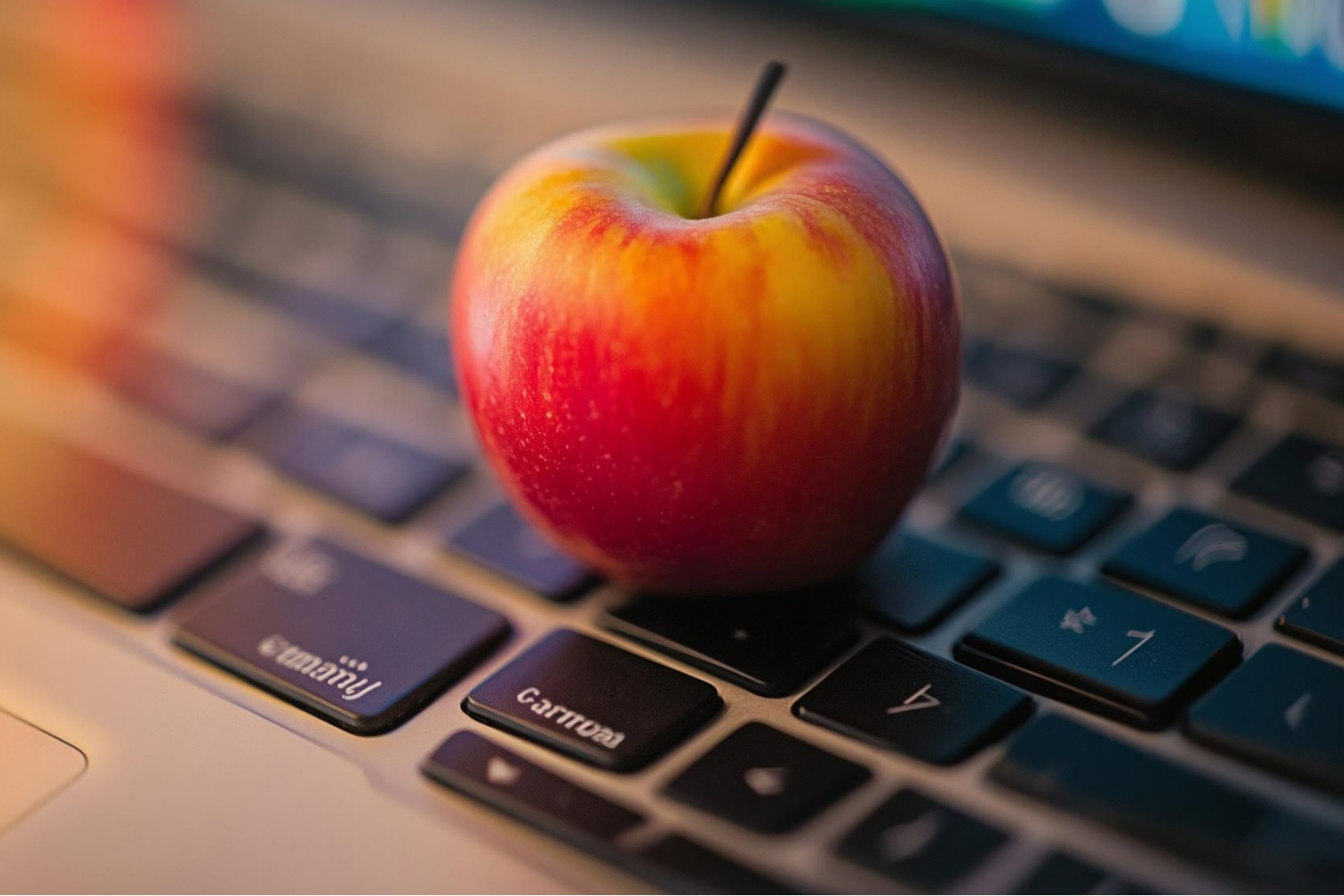
Why You Should Buy This Course
• Comprehensive and practical: Every module includes real workflows you can apply instantly.
• Professional-grade knowledge: Learn techniques used by top industry experts and productivity specialists.
• Cross-device mastery: Understand how your Mac, iPhone, and iPad can function as one powerful system.
• Time and energy savings: Automations and optimized workflows will significantly speed up your daily processes.
• Long-term value: Skills learned here will continue to serve you in personal and professional work for years.

What This Course Will Teach You
• Advanced Apple Shortcuts: How to build intelligent automations for both personal and business use.
• Seamless cross-device workflow design: Use Continuity, Handoff, Universal Control, and iCloud to their fullest.
• System optimization: Organize your files, folders, and apps for maximum clarity and speed.
• Pro-level productivity techniques: Learn powerful methods for multitasking, window management, and daily planning.
• Workflow customization: Build personalized systems that match your work style and goals.
• Integration with third-party tools: Discover the best apps for writing, task management, scheduling, creativity, and more.


0 Reviews

AppleCare Product Development Specialist
 Number of classes
  Course Duration Learning Model Course Level
  Number of Students Student Enrolled
  Language
 Send this course as a gift to your friends
 3 Video Lectures 2 Audio Lectures
  2 Quizzes
  2 Assignments
  4 Downloadable Resources
  Full Lifetime Access
  Certificate included