Boost productivity with Apple
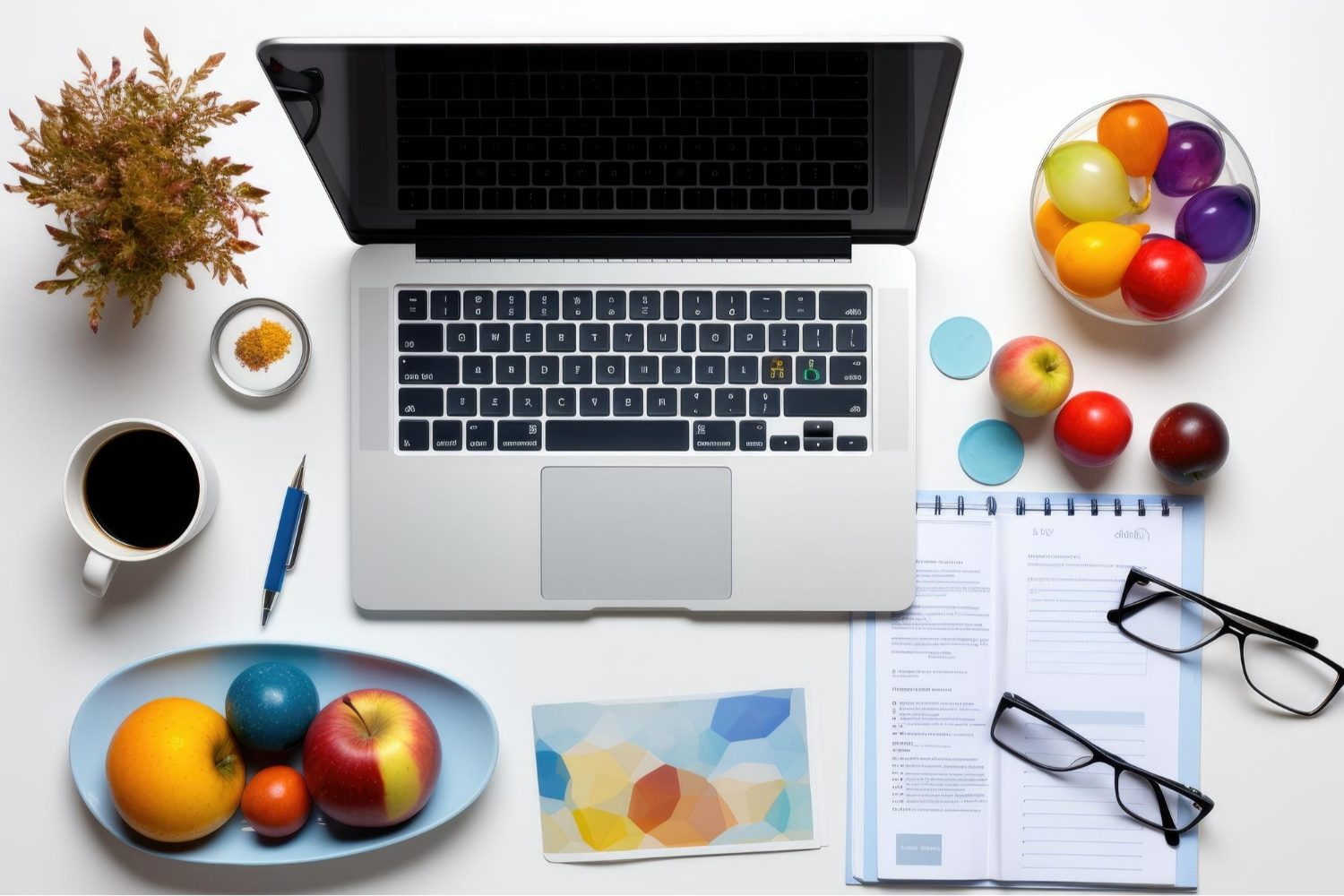
Efficient office setup on Mac and iPad
Apple tools for professionals
Handoff and Continuity
Shortcuts automation
Task management Apple apps
Apple workflow automation for office
Advanced Apple productivity tips
iCloud synchronization
Universal Control
File and folder management
Mastering Apple for Office Efficiency
Created by a leading organization specializing in productivity and digital workflow optimization, Mastering Apple for Office Efficiency is designed for professionals, teams, and individuals who want to unlock the full potential of the Apple ecosystem for office work. This course teaches practical, real-world techniques to streamline tasks, automate repetitive processes, and optimize workflows across Mac, iPhone, and iPad.

Whether you’re managing projects, handling documents, or coordinating across devices, this program equips you with the skills to work smarter, faster, and more efficiently in any professional environment.
Why This Course Exists
• To simplify office workflows: Modern work is often spread across multiple Apple devices; this course shows how to unify them seamlessly.
• To save time and reduce repetitive tasks: Learn automation and system-level strategies to make your workday more efficient.
• To organize digital chaos: Gain a structured approach to files, emails, calendars, tasks, and apps.
• To leverage Apple’s full capabilities: Many professionals underutilize the ecosystem; this course reveals advanced features and techniques.
Why You Should Buy This Course
• Practical and actionable: Every lesson is designed to be applied immediately in your office workflow.
• Expert guidance: Learn from productivity specialists who demonstrate professional-grade techniques.
• Cross-device mastery: Understand how Mac, iPhone, and iPad can work together for maximum efficiency.
• Time and energy savings: Automation, organization, and optimized workflows save hours each week.
• Long-term value: Skills acquired will continue to enhance professional productivity for years.
What This Course Will Teach You
• Advanced Apple Shortcuts and automation: Build personalized automations for recurring office tasks.
• Cross-device workflow optimization: Seamlessly move tasks and data between Mac, iPhone, and iPad.
• Digital organization techniques: Manage emails, files, notes, and calendars efficiently.
• Office productivity tools mastery: Maximize native Apple apps and integrate with essential third-party tools.
• System design for professional workflows: Create a repeatable, sustainable, and efficient office environment.
• Real-world projects and application: Apply learned techniques in practical scenarios to transform daily office operations.

0 Reviews

AppleCare Product Development Specialist
 Number of classes
  Course Duration Learning Model Course Level
  Number of Students Student Enrolled
  Language
 Send this course as a gift to your friends
 4 Video Lectures 3 Audio Lectures
  2 Quizzes
  3 Assignments
  3 Downloadable Resources
  Full Lifetime Access
  Certificate included