Responsive design basics
Flexible grid systems
Inclusive design practices
Typography readability standards
Screen reader awareness
Mobile-first layouts
Accessibility principles
Color contrast rules
Keyboard navigation basics
Usability for everyone
Design today must work for everyone and on every device. This course focuses on creating responsive and accessible interfaces that adapt to different screen sizes and support diverse user needs.
You will learn how to design layouts that respond smoothly across devices, from mobile to desktop, while maintaining clarity and consistency. The course also introduces accessibility principles that help ensure interfaces are usable by people with different abilities, including visual, motor, and cognitive needs.
Through practical examples, you will explore how design choices such as layout, color, typography, and interaction affect usability and accessibility. The course emphasizes inclusive design thinking and helps you understand how small decisions can make a big difference for real users.
What You’ll Learn
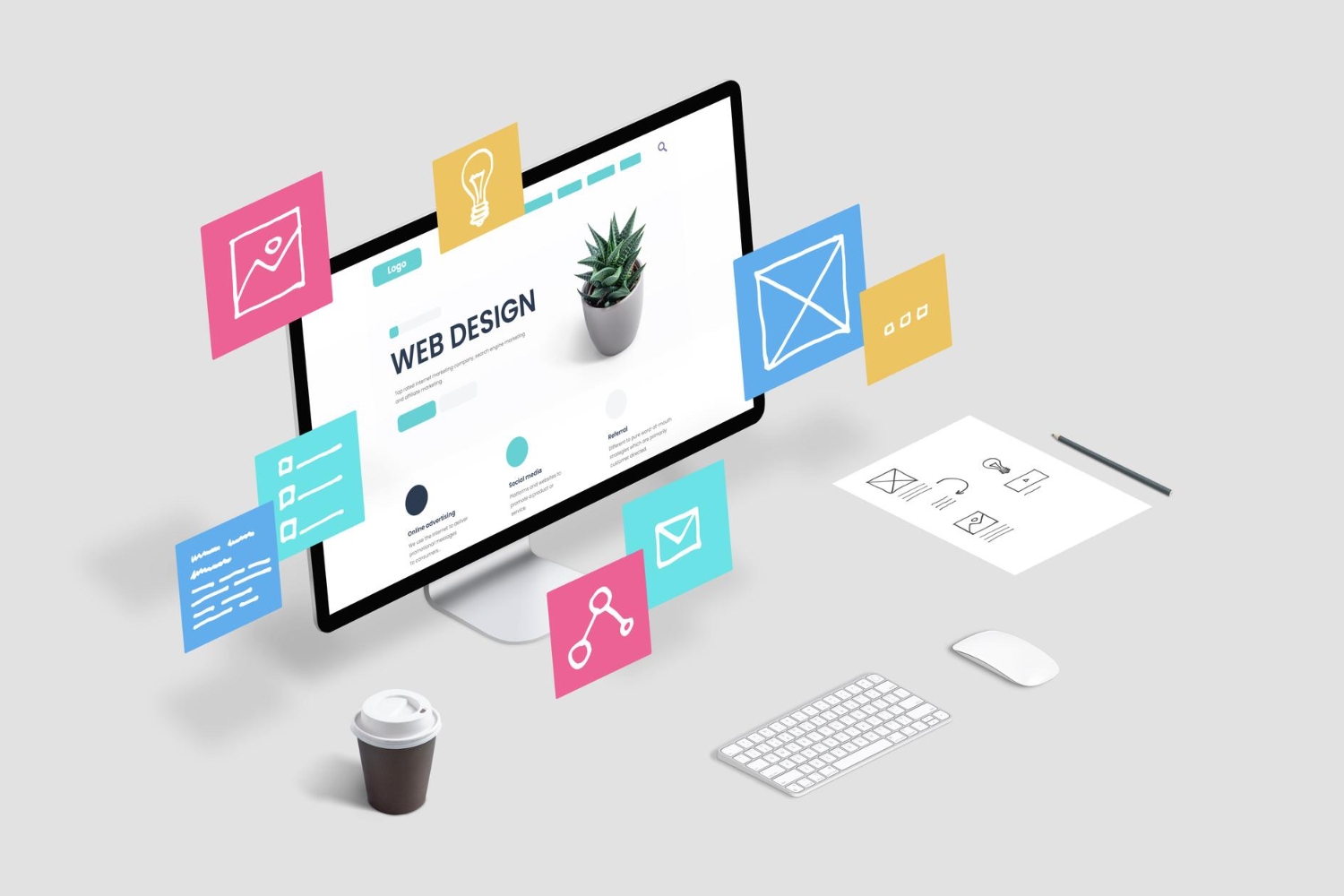
By the end of the course, you will understand how to create digital interfaces that are both flexible and inclusive. You will be able to design products that work well across devices and provide a better experience for all users, not just some.

0 Reviews

 0.0 Rating
 0 Students
  Level 3 Educator
  5 Courses

 Number of classes
  Course Duration
  Learning Model
  Meeting Types
  Course Level
  Number of Students
  Student Enrolled
  Language
 Send this course as a gift to your friends
 2 Video Lectures
  2 Audio Lectures
  5 Quizzes
  5 Assignments
  5 Downloadable Resources
  Full Lifetime Access
  Certificate not Included