Cloud-based productivity
Seamless communication
Smart workflows
Integrated applications
Secure cloud platform
Improved efficiency
Scalable solutions
Real-time collaboration
Team efficiency
Gmail, Drive, Docs, Sheets, Meet
Centralized workspace
Anywhere access
Faster decision-making
Enhanced teamwork
Productivity Powered by Google Workspace
This course is a complete guide to building a highly efficient, organized, and collaborative digital work environment using Google Workspace. Designed for professionals at all levels, it provides a deep understanding of how cloud-based productivity tools can transform the way work is planned, executed, and delivered in today’s fast-moving and increasingly digital world.
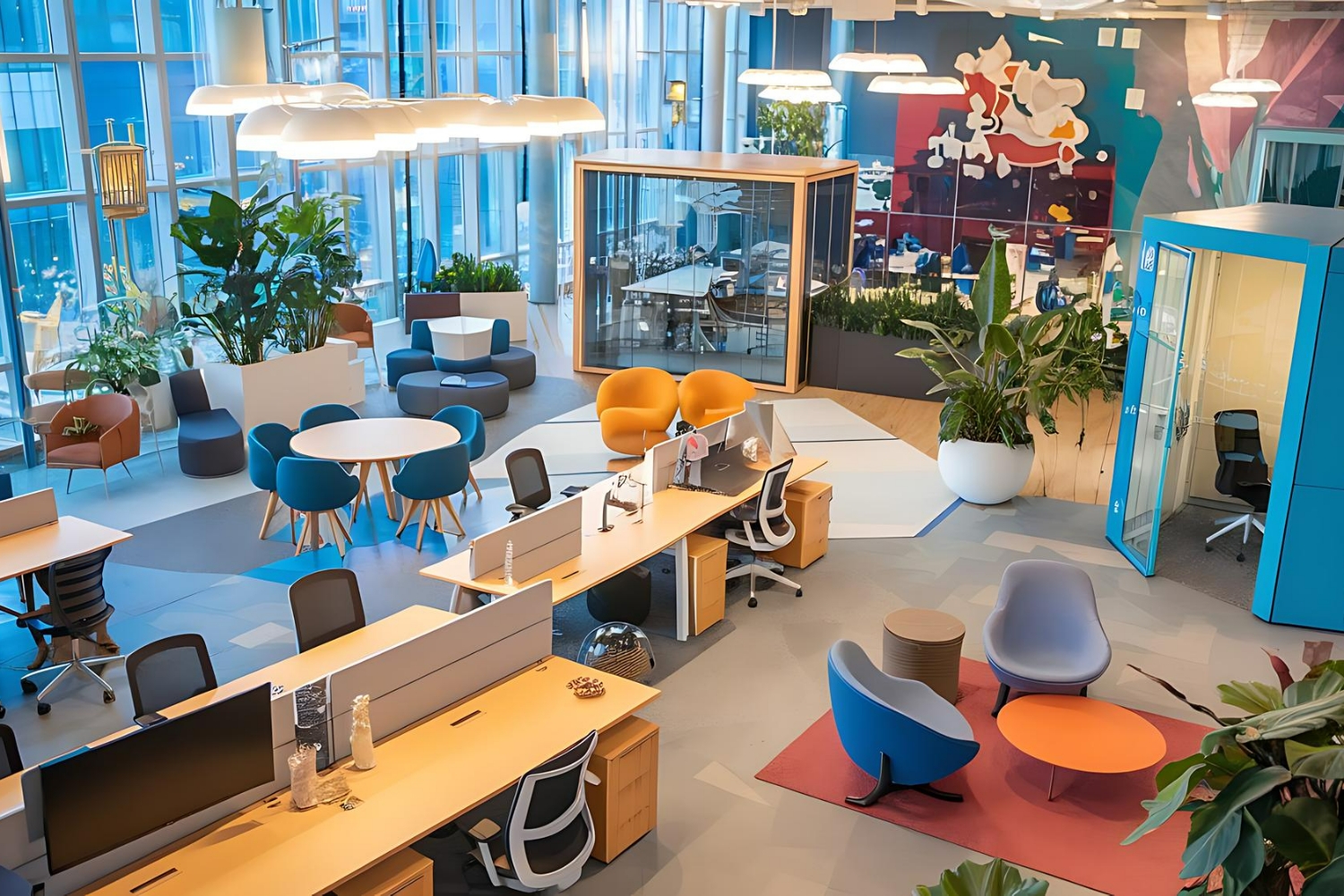
From the very beginning, participants are introduced to the philosophy of modern productivity and the role Google Workspace plays in enabling seamless communication, collaboration, and information management. The course explains how individual applications—such as Gmail, Google Drive, Docs, Sheets, Slides, Calendar, and Google Meet—function not as isolated tools, but as an integrated ecosystem that supports every stage of the work process.

Learners will gain practical, hands-on experience in managing digital communication efficiently, organizing files and folders in a structured and secure way, and creating professional documents, spreadsheets, and presentations that meet modern business standards. Special attention is given to real-time collaboration, allowing participants to work simultaneously with colleagues, provide feedback through comments and suggestions, manage access permissions, and maintain version control without confusion or data loss.
A significant portion of the course is dedicated to productivity enhancement and workflow optimization. Participants will explore advanced features such as smart search, templates, shortcuts, automation tools, and integrations that eliminate repetitive tasks and save valuable time. The course also covers effective scheduling and time management using Google Calendar, as well as best practices for running productive virtual meetings and presentations through Google Meet.
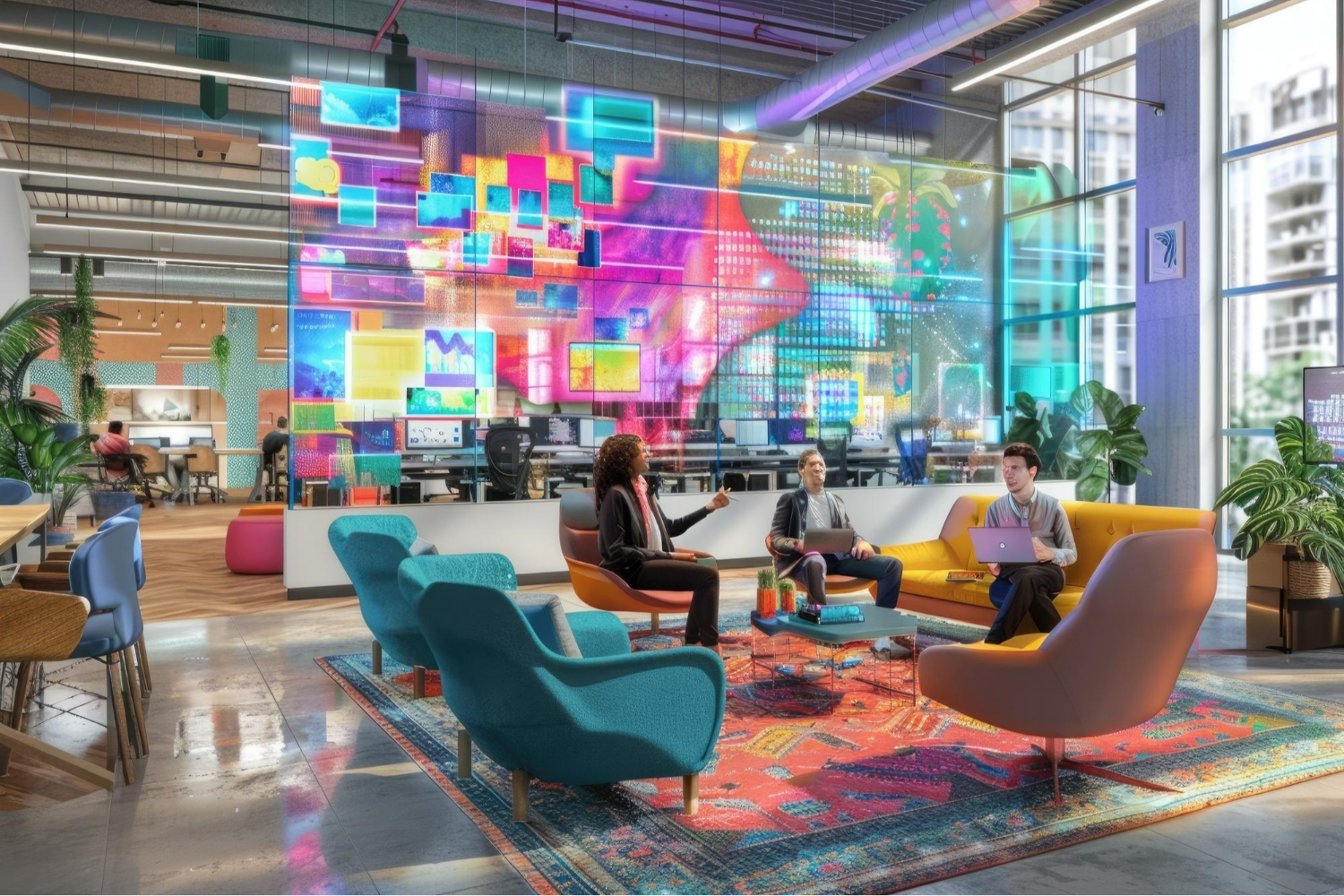
Security, reliability, and best practices for cloud-based work are also core components of the learning experience. Participants will learn how to protect data, manage sharing settings responsibly, and work confidently within a secure digital environment that supports compliance and business continuity.
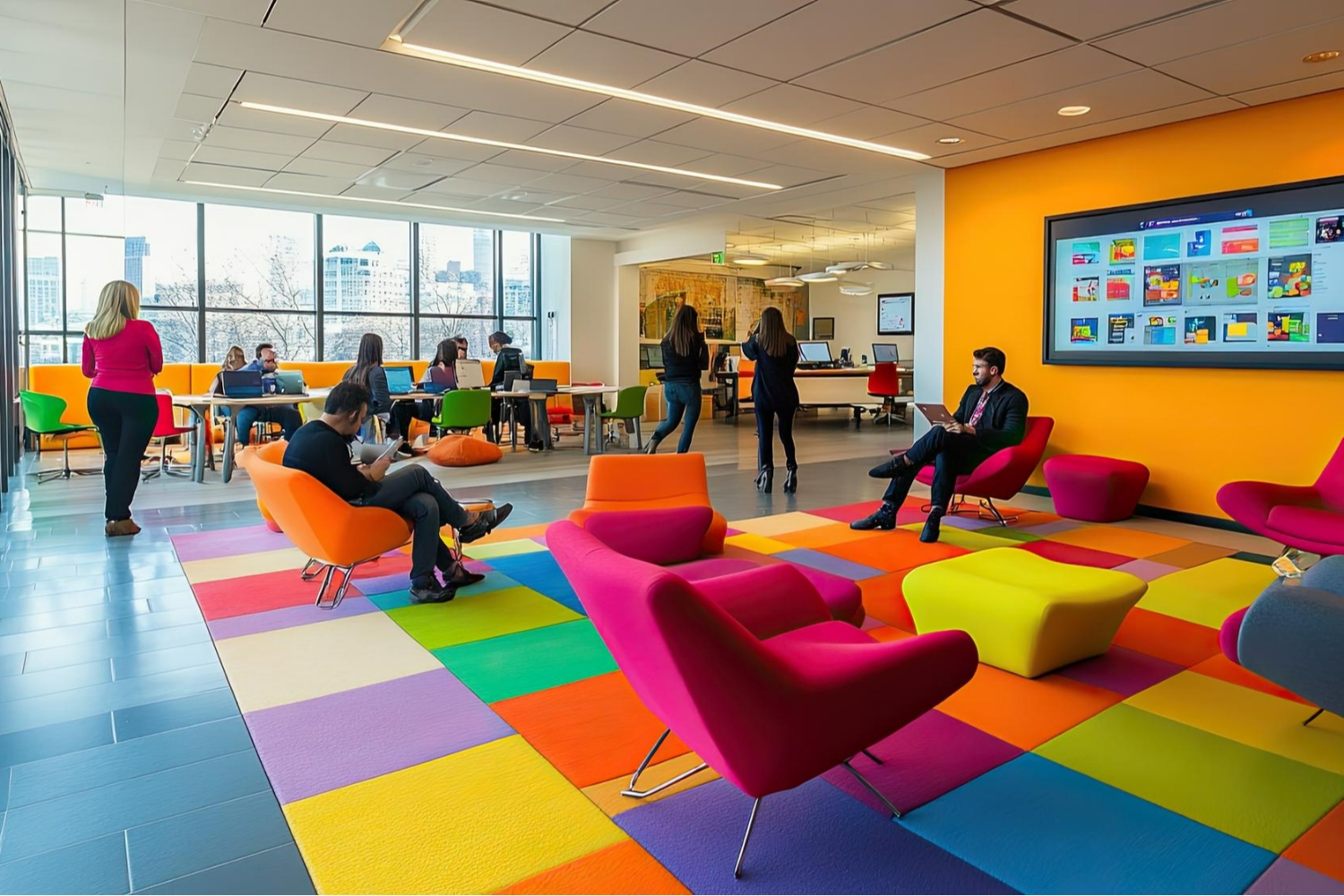
By the end of the course, learners will be able to use Google Workspace strategically—not just as a set of tools, but as a complete productivity solution. They will be equipped to collaborate more effectively, manage projects with greater clarity, and adapt smoothly to remote, hybrid, or office-based work environments. This course empowers individuals and teams to work smarter, communicate better, and achieve more through intelligent use of Google Workspace.
0 Reviews
 0.0 Rating
 0 Students
  Level 1 Educator
  3 Courses
 Number of classes
  Course Duration
  Learning Model
  Meeting Types
  Course Level
  Number of Students
  Student Enrolled
  Language
 Send this course as a gift to your friends
 4 Video Lectures
  1 Audio Lectures
  Full Lifetime Access
  Certificate included